Debian13安装配置sway实例

Debian13安装配置sway实例#

安装Debian13#

镜像地址debian-13.7.0-arm64-DVD-1.iso

启动iso镜像开始安装过程

Debian安装程序菜单

设置语言、地区和键盘布局

选择安装语言

选择国家

配置键盘布局

设置主机名和账号信息

设置主机名

设置root账号

设置普通账号

磁盘分区配置

分区设置-选择整个磁盘

安装基本系统

不扫描额外介质

不使用网络镜像,加快安装过程,后期可以再配置。

不使用网络镜像

不参加流行调查

不选择任何桌面系统,后期手动安装sway,建议勾选ssh server

选择桌面系统

安装grub引导程序

安装grub

选择gurb安装目标

完成debian过程,重启进入系统

完成安装debian

debian13 grub menu

debian13相关优化配置#

修改apt软件源#

#切换root
su
mv /etc/apt/sources.list /etc/apt/sources.list.bak
wget https://linuxmirrors.cn/main.sh
bash ./main.sh

按提示选择国内软件源,然后更新系统安装一些基础软件

apt update&&apt upgrade
apt install sudo curl wget p7zip-full unzip -y

为普通用户设置sudo权限#

使用su命令切换root提前安装好sudo,编辑sudo配置文件vi /etc/sudoers

找到如下行:

root	ALL=(ALL:ALL) ALL

参考root配置添加普通用户

bbq	ALL=(ALL:ALL) ALL

保存后推出root用户,普通用户即可使用sudo。

sudoers config

安装配置sway桌面系统#

安装必要软件

sudo apt install greetd tuigreet sway fonts-wqy-microhei

将默认显示管理软件改为greetd

Debian12安装Sway

2025/02/13:推荐参考Sway完整桌面配置手册,这是一份完整的sway安装配置使用手册。

选取 debian-11.5.0-amd64-netinst 镜像,安装基础系统(Base)。

升级Debian12#

sudo sed -i -e 's/bullseye/bookworm/g' /etc/apt/sources.list
sudo apt update
sudo apt upgrade 
sudo apt full-upgrade

安装sway#

sudo apt install sway swaybg swayidle swaylock foot wofi seatd waybar xwayland neofetch grim wlogout

设置自动启动sway

编辑 ~/.profile加入以下内容即可:

if [ -z "$DISPLAY" ] && [ "$(tty)" = "/dev/tty1" ]; then
  exec sway
fi

配置sway#

mkdir -p ~/.config/sway
cp /etc/sway/config ~/.config/sway/

编辑~/.config/sway

配置程序启动器#

注释掉$menu行,改为以下内容:

set $menu wofi --show=drun --lines=6 --prompt=""

设置终端(foot)字体大小

vi /etc/xdg/foot/foot.ini

font=monospace:size=12

设置退出菜单(waylogout)#

在~/.config/sway/config加入以下内容

bindsym $mod+p exec wlogout

以下为旧内容,请注意软件版本!!!#

推荐使用Quantum’s sway-utils Repository来安装Sway,项目地址为 https://apt.quantum2.xyz/sway-utils/

安装步骤#

添加key#

curl https://quantum5.ca/apt.key | sudo apt-key add -

添加apt源#

将以下内容添加至/etc/apt/sources.list

Ubuntu安装Sway

Sway on Ubuntu#

Installation guide for the latest sway version on Ubuntu 20.04

Source can be found on github

Introduction#

This guide aims to be an easy to follow and straightforward way to install the master version of Sway and the wlroots dependency.

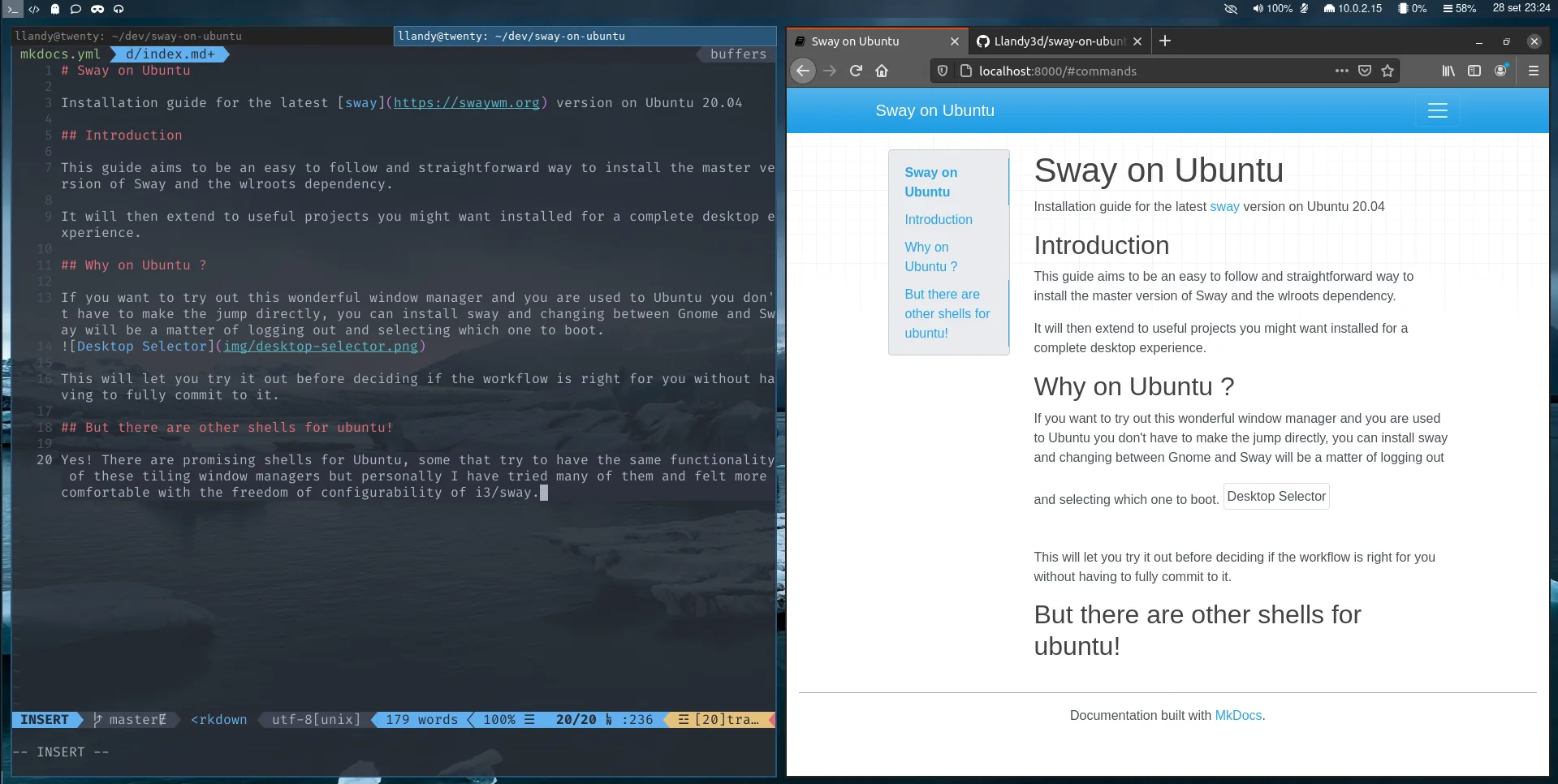
It will then extend to useful projects you might want installed for a complete desktop experience. Example Sway Setup Example of Customized Sway setup (dotfiles)

Why on Ubuntu ?#

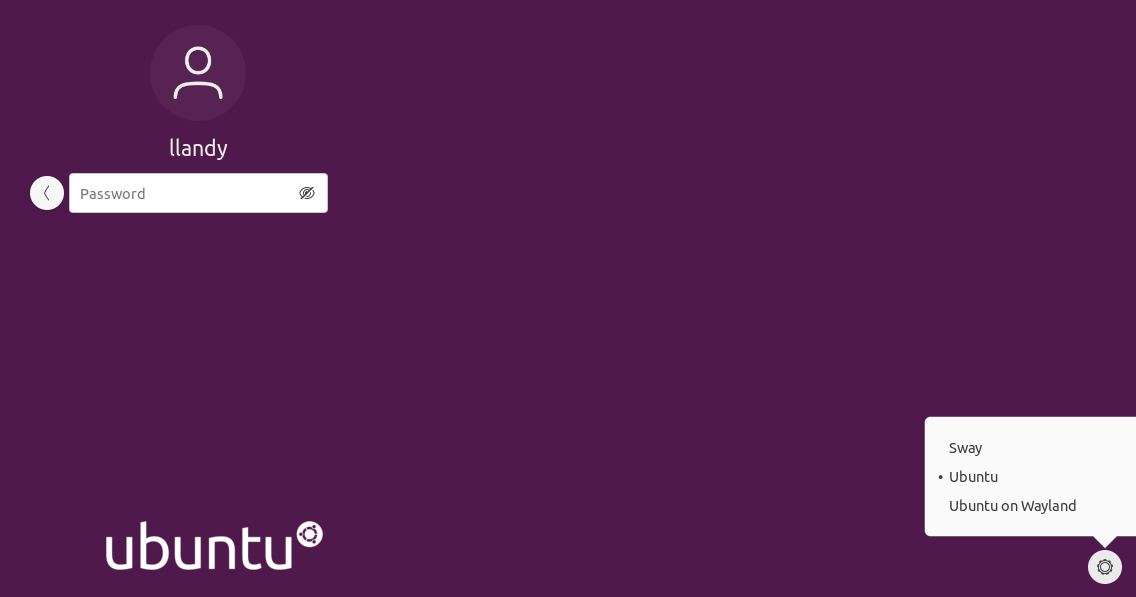
If you want to try out this wonderful window manager and you are used to Ubuntu you don’t have to make the jump directly, you can install sway and changing between Gnome and Sway will be a matter of logging out and selecting which one to boot. Desktop Selector